
Why Use the Scratchpad?
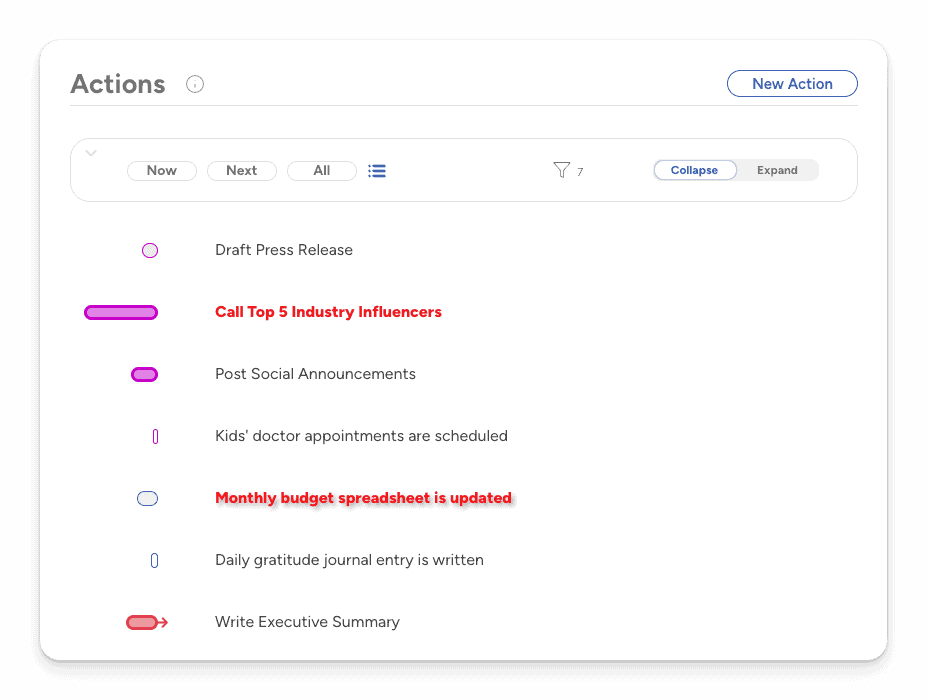
The scratchpad is a tool for daily planning. It’s where you can collect everything you might want to do today. Don’t worry if you don’t finish everything; it’s not your to-do list. It’s just a temporary place for you to collect your daily planning actions — all of the actions that you might want to work on today.
Throughout the day, you’ll see reminders of what you hope to work on today in addition to actions with a due date that you might have accidentally overlooked.
TL;DR
Actions are added to the Scratchpad:
Manually
Automatically
When there is an upcoming due date
They belong to a current timeblock
The Scratchpad is automatically cleared daily
Adding Actions to the Scratchpad
There are three methods for an action to appear on the scratchpad:
Manually
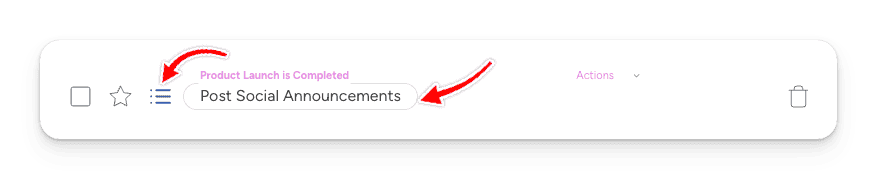
To add an action manually, hover over an action and click the Scratchpad icon. The icon will turn blue and the action will be outlined to indicate it is added to the Scratchpad.
Automatically
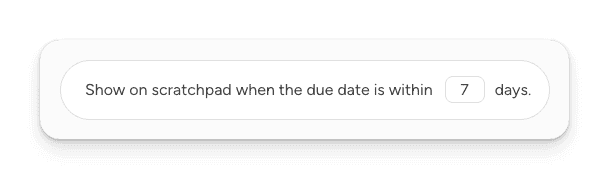
Actions with upcoming due dates will be added automatically. By default, an action appears on the Scratchpad when the due date is within seven days. This interval can change in your user preferences.
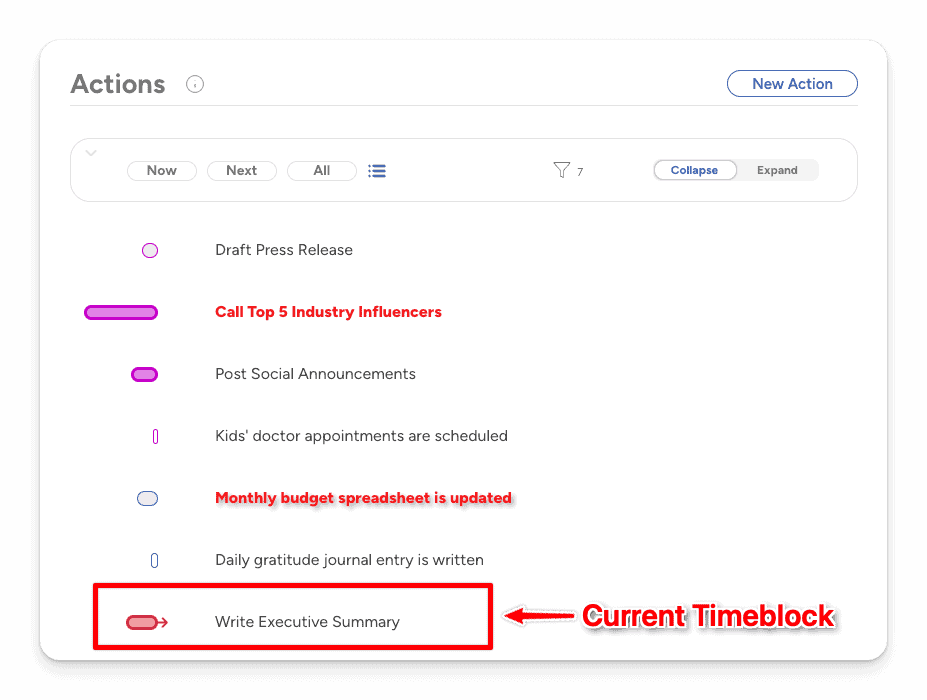
When an action belongs to a current timeblock, it will appear on the scratchpad while that timeblock is active. When the timeblock changes, a different set of actions will appear (or none if there is no current timeblock).
Managing the Scratchpad
The scratch pad resets automatically before the next day starts. The default reset time is 3 a.m., but this can be changed in your user preferences.
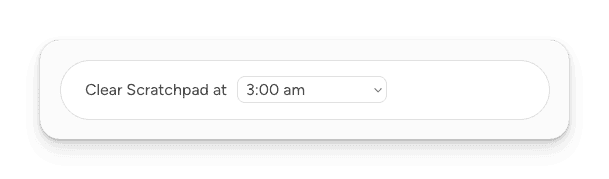
When the Scratchpad resets:
Manually added actions are cleared
Actions with upcoming due dates remain on the Scratchpad
Actions within current timeblocks will continue to be added and cleared automatically